
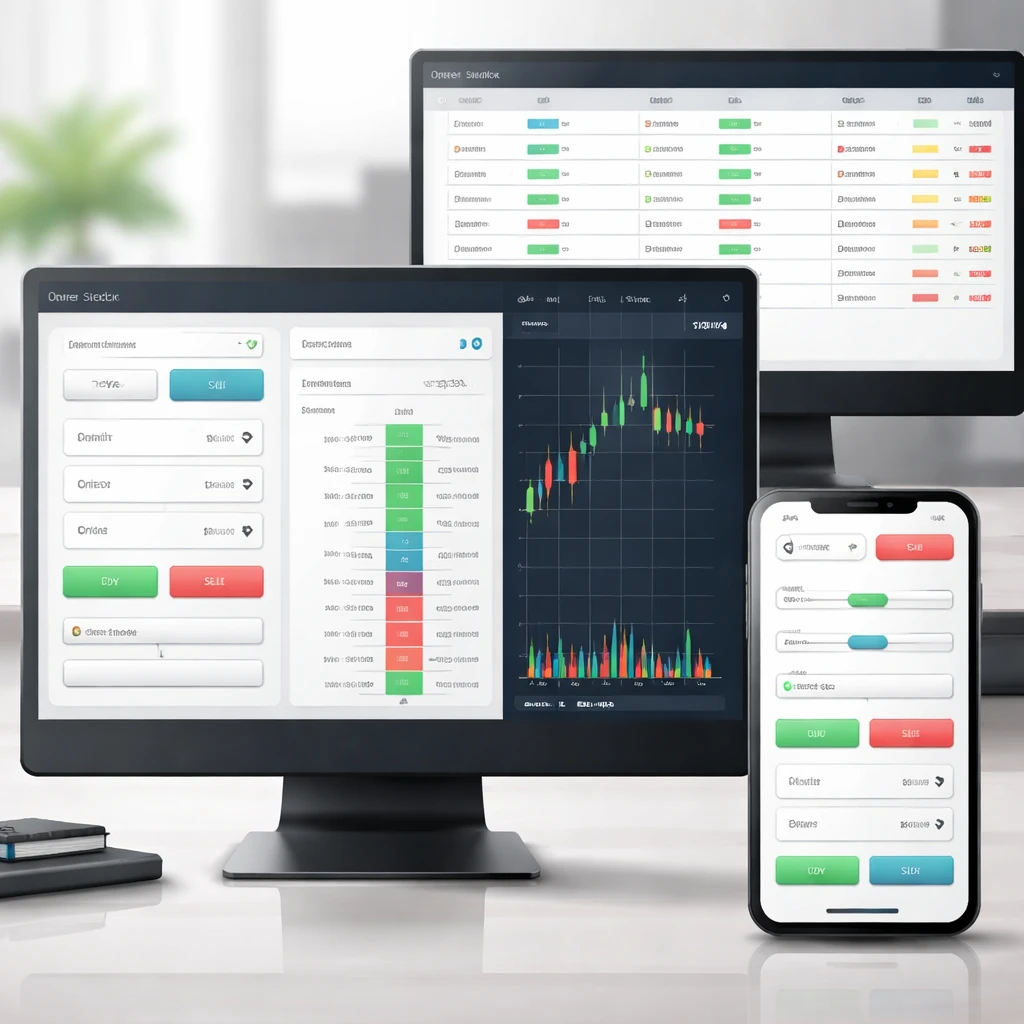
Order entry interfaces sit at the point where intent becomes action. They allow a trader to express price, size, and conditions in a structure the market can accept, and they return clear feedback about what happened to the order. While the screen elements may appear simple, the interface coordinates data, risk checks, routing choices, and exchange protocols under time pressure. Understanding how these interfaces function helps a user judge whether the information on screen is complete, whether a status is final or still evolving, and where errors most often arise.
What Is an Order Entry Interface?
An order entry interface is the collection of on-screen controls and workflows used to submit, modify, cancel, and monitor orders. It typically includes fields for side, quantity, price, order type, and time-in-force, plus real-time feedback on status. It may present as a standard ticket, a depth-of-market ladder, a hotkey overlay, or a simplified mobile panel. Behind the interface are pre-trade checks, normalization logic that converts user choices into a venue’s accepted format, and routing that determines where the order is sent.
Interfaces vary by asset class and broker, but their goal is consistent. They aim to capture a valid instruction, prevent errors before transmission, transmit orders reliably, and reflect accurate status as fills occur or as the order changes state. They also help users understand costs, buying power impact, and margin consequences before they commit.
Why These Interfaces Exist
Markets demand precise, machine-readable instructions. Exchanges and trading venues accept a limited set of order types and attributes. Order entry interfaces exist to translate human intent into that precise set while enforcing risk constraints, legal requirements, and operational hygiene. They also exist to reduce error rates. Price-bound checks, quantity caps, and confirmation prompts protect users and firms from simple mistakes that could escalate into outsized losses or settlement failures. Finally, interfaces provide traceability. Audit trails, timestamps, and status messages anchor the lifecycle of each order in a way that can be reconciled after the fact.
Core Components of a Standard Order Ticket
Most platforms present a ticket with familiar inputs. The exact naming can differ, but the functionality tends to converge.
- Account and instrument selector. Determines which account and which symbol will be affected. Multi-account setups often lock the selector to prevent accidental cross-account trading.
- Side. Buy or sell for long positions. For short sales in equities, the interface may reveal additional controls such as locate or easy-to-borrow indicators.
- Quantity. Usually shares for equities, contracts for futures and options, units or base currency size for crypto and FX. Some tickets let users set default increments or step sizes to match tick and lot rules.
- Price and order type. Market, limit, stop, stop-limit, and more specialized types where supported. Price input often includes safeguards such as a price slider, last-trade anchors, or percentage offsets.
- Time-in-force. Day, good-till-canceled, good-till-date, immediate-or-cancel, and fill-or-kill are common choices. Certain venues support opening or closing auction constraints such as market-on-open or limit-on-close.
- Routing or venue. Some equity platforms offer smart order routing or explicit exchange and internalizer selections. Futures platforms typically route to a single exchange through a clearing firm. Options platforms may expose a complex order book route for multi-leg trades.
- Advanced conditions. Triggers, trailing offsets, post-only or reduce-only flags, discretionary ranges, hidden or iceberg attributes where permitted by venue rules. Not all platforms surface every attribute.
- Cost and margin preview. Estimated commissions, exchange and regulatory fees, borrow fees where applicable, and the impact on buying power or initial margin. Many platforms now show these values before the order is sent.
- Confirmation and defaults. Toggle to confirm each order or to submit instantly. Templates can save typical size, order type, and time-in-force combinations to reduce manual entry.
How Interfaces Translate Inputs Into Orders
Although most users interact with a handful of fields, a typical workflow contains distinct steps from front end to venue.
Front-end validation
The interface first checks for obvious errors. Invalid symbols, non-numeric quantities, negative prices, and missing time-in-force are caught immediately. It may also enforce minimum increments based on the instrument’s tick size and lot rules. Price banding settings can block a limit order that sits far from the current reference price, depending on firm policy and venue requirements.
Pre-trade risk checks
Orders that pass local validation are sent to a risk gateway. Typical checks include notional or share caps per order, daily limits, margin availability, pattern day trading thresholds in equities, and locate verification for short sales. Futures risk modules may compute span margin impact in near real time. Crypto platforms may apply maker-taker fee tiers, minimum notional sizes, and precision requirements on decimals.
Normalization and routing
Once approved, the order is translated into the destination’s accepted message format. For many institutional connections this is FIX. Retail platforms often use vendor-specific APIs internally. The router selects a venue based on the user’s choice or an algorithmic policy. Smart routers scan displayed liquidity and fee schedules, but the interface usually simplifies this to a single dropdown or an automatic selection.
Exchange acknowledgment and status flow
After submission, the user sees a unique order identifier and a status. Common states include new or accepted when the venue acknowledges receipt, working while resting in the book, partially filled as executions reduce remaining quantity, filled when complete, canceled if withdrawn, and rejected if the venue declines the order. A replace request amends an existing order. Many platforms present cancel and replace as a single edit action in the ticket or order blotter.
Variations Across Asset Classes
Equities
Equity tickets often emphasize venue and time-in-force options. Certain types such as market-on-close and limit-on-open are auction-specific. Some platforms expose hidden or reserve size for iceberg orders when supported. Short-sell toggles and locate status are common in equities and are not present in many other asset classes.
Futures
Futures interfaces center on contract month selection, tick size, and price ladder controls. Quantity increments usually match contract specifications. Good-till-canceled may actually mean good-till-expiration for the front month on some venues, which the interface should state. Exchange-imposed price banding is strict, so tickets tend to warn when a proposed price falls outside the permitted range.
Options
Options tickets support single legs and multi-leg structures such as verticals or straddles. The interface calculates net debit or credit and shows per-contract pricing along with total cost. Routing may include a complex order book. Because options can be American or European style, and cash or physically settled, the ticket often links to a contract specification panel.
FX and CFDs
FX interfaces can be streaming or request-for-quote. Quantity is often entered in base currency units or notional. Tickets may include quote validity timers and slippage tolerances. CFD tickets resemble equity tickets but may display overnight financing rates and special lot sizes aligned with the provider’s contract definitions.
Crypto
Crypto platforms usually present continuous trading with granular decimal precision. Reduce-only flags on derivatives venues prevent a new order from increasing position size, and post-only helps avoid taker fees. Funding and withdrawal status is sometimes integrated so the ticket can show immediately available balance.
Execution Venues and Routing Controls
Order entry interfaces abstract significant complexity in venue selection. In equities, orders can be routed to exchanges, alternative trading systems, or internalizers. A smart router may pursue displayed size, avoid venues with adverse fees, or attempt to capture rebates for non-marketable orders. In options, a complex order may route only to venues that support multi-leg matching. In futures, a single exchange listing simplifies routing, though clearing firm selection and risk settings still apply.
Some interfaces let users set attributes such as post-only to avoid crossing the spread, or pegged to mid to target a reference price. Others expose hidden or iceberg size where permitted. These are mechanical attributes rather than strategies. They define how the order should behave inside the book.
Real-Time Order Management
Submitting an order begins a lifecycle that the interface must express clearly. Traders monitor the blotter for state changes, partial fills, and average price. They may edit a working limit price, change quantity, or cancel entirely. If a ticket supports conditional relationships, such as one-cancels-other pairs or bracketed exit orders, the interface must maintain linkage so that a fill or cancel in one leg properly updates the others.
Notifications, color coding, and sound or haptic cues can help. Effective designs prevent accidental actions. For example, the cancel button is distinct from replace, and quantity edits that increase exposure may prompt a second confirmation if a risk threshold is crossed.
Speed-Oriented Interfaces: Ladder, DOM, and Hotkeys
Some activities prioritize responsiveness. Depth-of-market ladders show price levels vertically with the national best bid and offer highlighted. Users can click in the price column to place or cancel orders directly at a level without typing a price. Hotkeys perform predefined actions such as submit a limit at bid for a fixed quantity. One-click trading bypasses confirmations and relies on upstream risk limits to keep errors bounded.
Speed-focused designs bring benefits and hazards. They reduce latency and cognitive overhead but increase the chance of misclicks. To compensate, platforms use quantity presets, cancel-all keys, and price guardrails. Ladders often align price increments with tick sizes, making it harder to input an invalid level. Placement and cancellation animations help users keep track of changes during fast market moves.
Mobile Order Entry
Mobile interfaces simplify without removing essential controls. A typical mobile ticket stacks fields vertically, uses sliders for quantity, and adds biometric confirmations. Network variability is a concern on mobile, so the app often queues orders locally while it reestablishes connectivity, then shows whether the venue accepted the instruction. Because screen space is limited, many mobile apps shift less-used attributes behind an advanced section, keeping side, quantity, price, and order type immediately visible.
Risk Controls and Error Prevention
Error prevention is central to order entry. Interfaces implement a series of checks that reduce common mistakes.
- Fat-finger checks. Blocks on prices or quantities that deviate by a set percentage or multiple from reference values.
- Order notional caps and position limits. Prevents exceeding firm or regulatory thresholds. Futures and options may use span or risk-based margin to compute incremental requirements.
- Locate and borrow workflows. For equity short sales, the interface may require a locate or show easy-to-borrow flags. Some firms integrate borrow cost estimates directly in the ticket.
- Duplicate order detection. Alerts when a nearly identical order was just submitted. This is helpful when the network is unstable and users are tempted to resubmit.
- Kill switches and cancel-all. Allows immediate cancellation of working orders in a symbol, account, or across the platform. Access is usually permissioned.
Reliability, Latency, and Failure Modes
Order entry reliability depends on both local and remote systems. The interface should communicate connectivity to the broker, the risk gateway, and the venue. During network interruptions, well-designed platforms disable submission buttons or queue actions clearly. After reconnection, the interface reconciles order states by fetching authoritative data from the server and the venue. Idempotent handling prevents duplicates if the same instruction is retried.
Latency is not only a competitive concern. It affects user understanding of what occurred. If a cancel is submitted and a fill arrives before the cancel is processed, the final state may show a partial fill and a cancel for the remaining quantity. The interface must timestamp each event and make the sequence clear to avoid confusion.
Accessibility and Ergonomics
Human factors strongly influence error rates and speed. Clear color schemes distinguish buy from sell. Colorblind-friendly palettes and redundant cues such as icons and patterns help more users differentiate states. Keyboard navigation matters for users who cannot rely on precise mouse clicks. Haptic feedback on mobile provides an additional confirmation channel. Tooltips, inline explanations, and context-sensitive help should clarify terminology without cluttering the ticket.
Data Integration and Contextual Information
Order entry is most effective when contextual data sits close to the controls. Many tickets show current bid, ask, last trade, depth, and recent volatility measures. For options, the interface can surface implied volatility, greeks, and expiration calendars. Futures tickets may show contract specifications, tick value, and delivery details. Cost previews include commissions and venue fees. Buying power and margin impact updates help prevent over-commitment. Some platforms also display estimated slippage ranges for market or pegged orders, though these are estimates rather than guarantees.
Compliance, Reporting, and Audit Trail
Regulatory regimes require accurate records of who submitted an order, when, and on what terms. The interface captures user IDs, timestamps, and device identifiers. It may prompt for regulatory fields such as short sale marking, opening or closing flag for options, or order capacity where relevant. After execution, the platform stores confirms and end-of-day statements. Users can export blotters with fields for order ID, parent-child relationships, route, timestamps, average price, fees, and net quantity. The audit trail matters during disputes, desk reconciliations, and compliance reviews.
Costs and Fee Visibility
An effective ticket helps users understand costs without guesswork. Commissions, exchange and regulatory fees, borrow costs for shorts, and financing for leveraged or margin positions are prominent. Equity venues often use maker-taker pricing. The interface may note whether an order is likely to add or remove liquidity based on price relative to the current quote. Options and futures statements may break out execution fees per contract and clearing fees, with an all-in estimate before submission.
Practical Example: From Click to Fill
Consider a user placing a buy limit for 100 shares of a listed equity at 25.20 with day time-in-force.
The user selects the account and symbol, chooses buy, inputs quantity 100, selects limit, and types 25.20. The ticket shows current bid 25.18 and ask 25.22, estimated commission and fees, and the buying power impact. A local check confirms that 25.20 matches the instrument’s penny tick and that the notional is within local maximums.
On submit, the risk gateway verifies that buying power is sufficient and that no daily limit would be exceeded by this order. The router evaluates routes and selects a venue with displayed size at or above 25.20. The exchange acknowledges the order. The blotter shows status new, then working, with the order resting in the book at 25.20.
One second later the best offer moves to 25.20. A partial fill arrives for 60 shares. The interface adjusts remaining quantity to 40 and shows average price 25.20. The user decides to cancel the remainder. The platform sends a cancel. A final execution arrives for 10 shares just before the cancel completes, so the blotter shows two executions for a total of 70 shares and a cancel for 30. The final state reads partially filled. The ticket logs the exact timestamps of each event.
Later, the user queries the audit trail. It shows the client order ID, the router-assigned ID, and the venue’s order ID, along with route and time. The record includes commission and venue fees and the exact text of acknowledgments and fills. The order entry interface is the surface that made each step visible and ensured the sequence was orderly and recorded.
Choosing and Configuring an Interface
Interfaces differ on several dimensions that affect everyday workflow. Professionals often compare how platforms present risk checks, how quickly they update the blotter after a fill, and whether cancel-replace edits are intuitive. Desktop platforms may allow custom layouts with detachable tickets and ladders, while browser-based platforms emphasize portability. Mobile apps limit the number of controls on screen and rely on gestures and sliders.
Configuration options influence both speed and safety. Quantity presets reduce repetitive typing. Default order types can be tailored per instrument. Confirmations can be enabled for high-risk actions such as short sales, large notional orders, or closing positions. Many platforms allow saved templates that attach common conditional orders or define post-only and reduce-only flags. With care, these conveniences standardize routine tasks and reduce hand-entry mistakes.
Common Misconceptions
- Market orders are not price guarantees. A market order seeks immediate execution, typically across multiple price levels if size is large relative to displayed liquidity. The interface should warn about potential slippage rather than promise the last-trade price.
- Good-till-canceled is not infinite. Some brokers implement a maximum duration or cancel all GTC orders at corporate actions. The ticket or help panel should state the policy.
- Cancel and replace is not always instantaneous. A replace request is processed after the venue receives it, and fills can arrive while the replace is in flight. Accurate timestamps help interpret final states.
- Server-side versus client-side triggers. Not all stops or conditional orders live at the venue. Some platforms host triggers on their own servers. The interface should indicate where the logic resides to set realistic expectations during outages.
- Bracket and OCO relationships are mechanical, not predictive. They describe conditional cancellations or submissions and do not imply any forecast about price trajectories.
How Interfaces Support Education and Discipline
Although order entry screens are not strategy engines, they shape behavior by making certain information prominent and by imposing checks. Clear presentation of costs and buying power encourages realistic assessment of order impact. Timestamps and status logs promote accountability and review. Default settings and templates create a consistent routine. These are design choices that influence outcomes by reducing ambiguity rather than by guiding market views.
Putting It All Together
An order entry interface is more than a form. It is a bridge between intent and the market’s rule set. To function well, it must validate inputs, enforce risk thresholds, translate attributes into venue-acceptable messages, route intelligently, and present timely feedback. It must remain reliable during latency spikes and outages, and it must leave a precise record. Whether the interface is a full-featured desktop terminal, a ladder for speed, or a compact mobile panel, the same principles apply. Clear controls, consistent states, and honest previews of cost and margin make real-world execution more predictable and more auditable.
Key Takeaways
- Order entry interfaces translate user intent into venue-accepted messages while enforcing risk checks and showing clear status updates.
- Core ticket elements include side, quantity, price, order type, time-in-force, routing, and cost and margin previews.
- Interfaces vary by asset class, but the lifecycle from validation to acknowledgment, fills, and audit trail is consistent.
- Speed-oriented tools such as ladders and hotkeys reduce friction but require strong error prevention and clear visual cues.
- Reliable design covers connectivity, latency, and failure modes, with precise timestamps and reconciliation to avoid ambiguity.